
1. Import
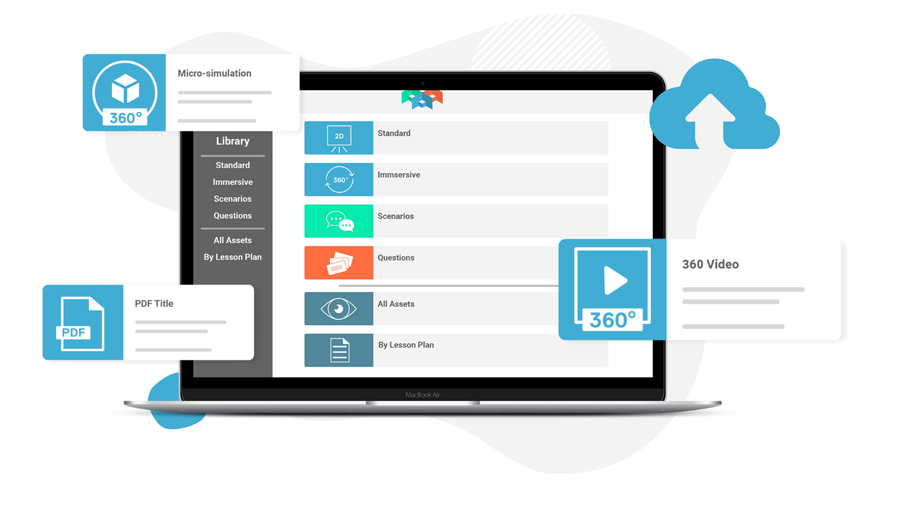
Facilitate’s self authoring suite allows you to import base assets such as 360 degree videos and imagery, 3D models, and 2D videos, images and slides.
2. Create interactive experiences
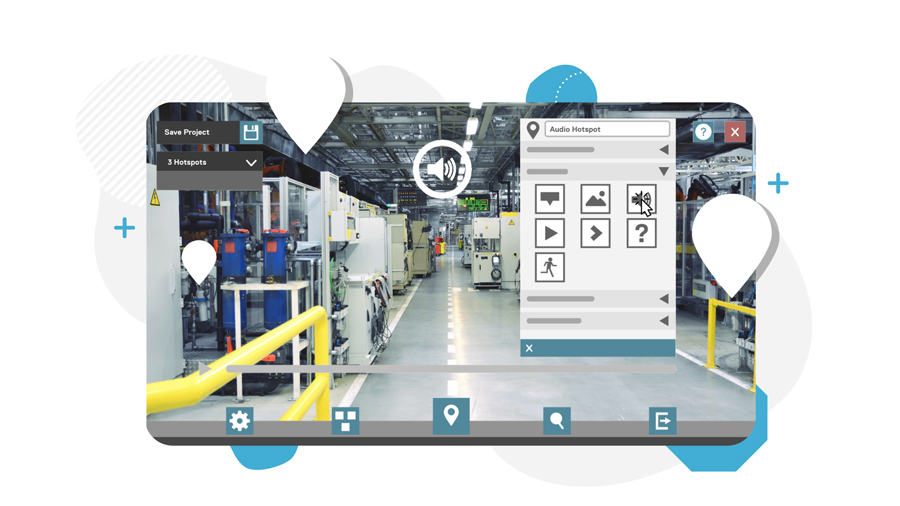
Use Facilitate’s interactive editor to add hotspots, waypoints, overlays and assessment questions to your 360 videos and imagery.
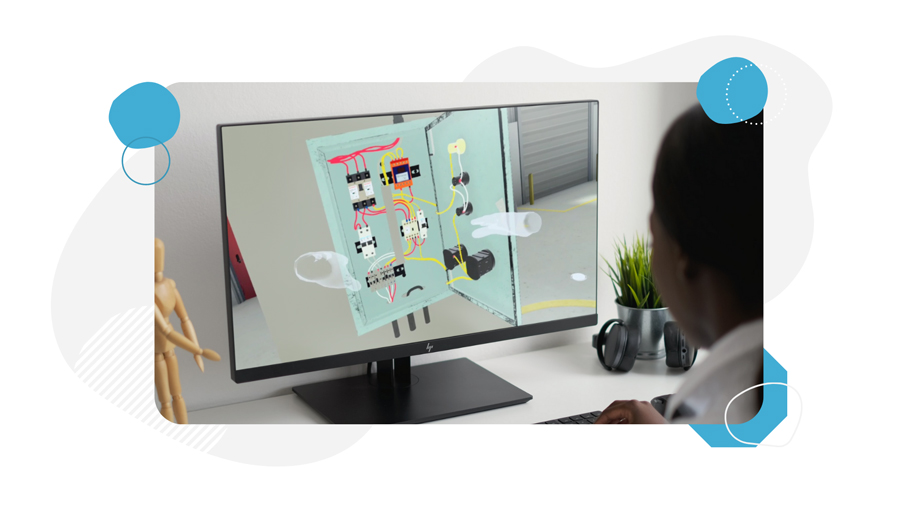
3. Design immersive Micro-simulations
Turn your 3D models into Micro-simulations by adding interactions, task sequences, feedback, instructions, assessment questions and more.
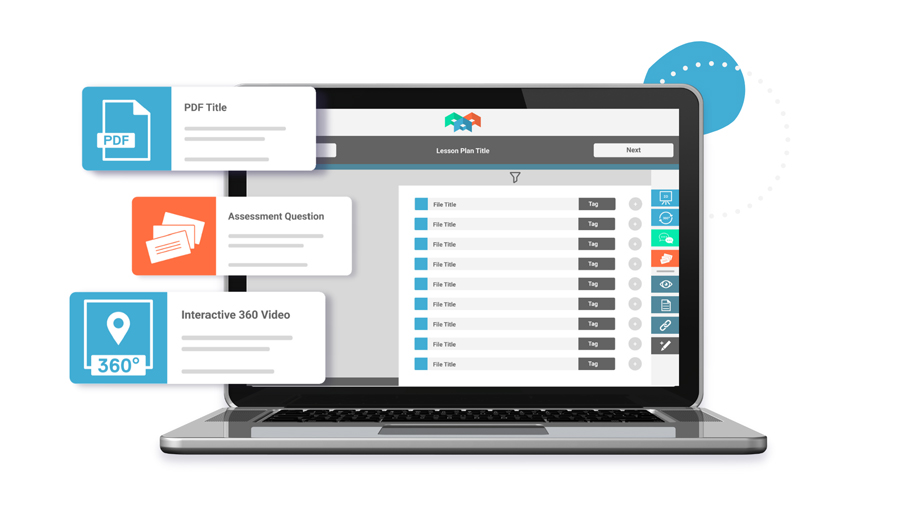
4. Combine
Combine Facilitate’s immersive learning modalities into a comprehensive learning experience using Facilitate’s experience creator. Create sequenced or free flowing lessons to suit the audience and context.
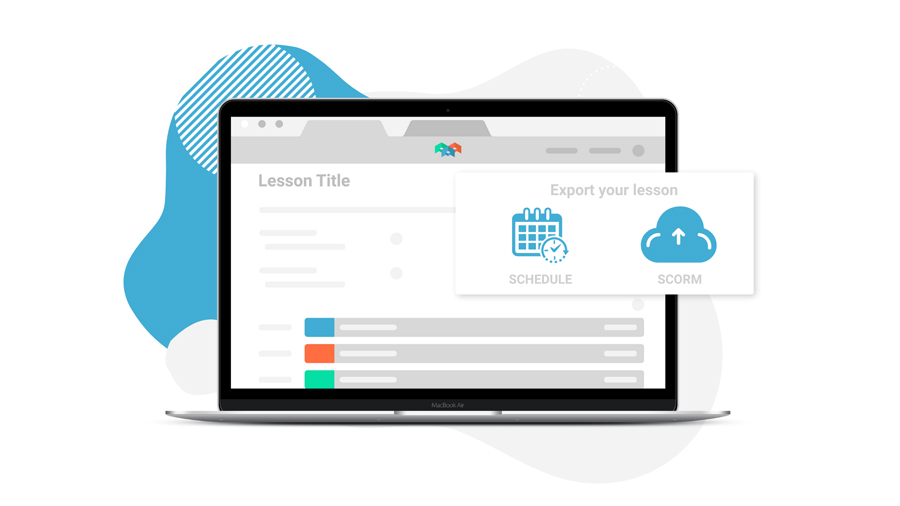
5. Schedule
Export your experience and import it into your SCORM compatible LMS, or schedule through Facilitate’s scheduling system. Choose from collaborative sessions in a virtual classroom or individual on-demand sessions.
6. Learn
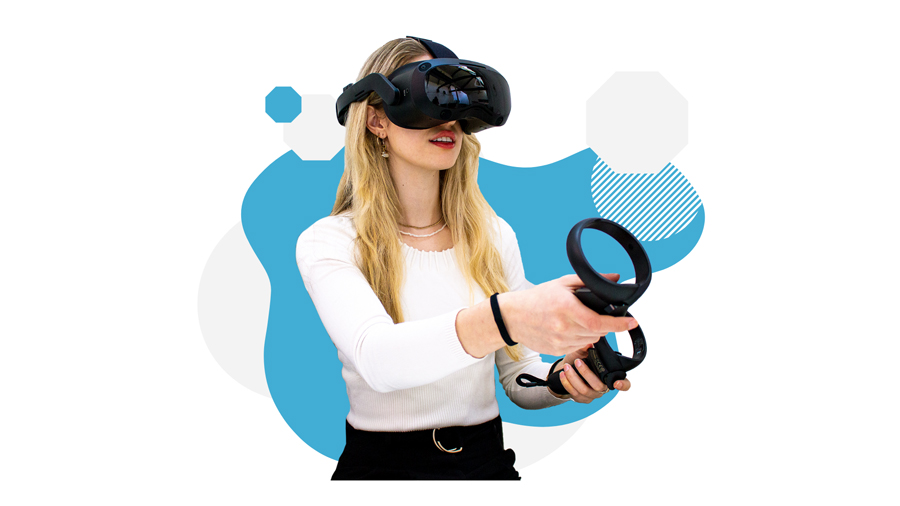
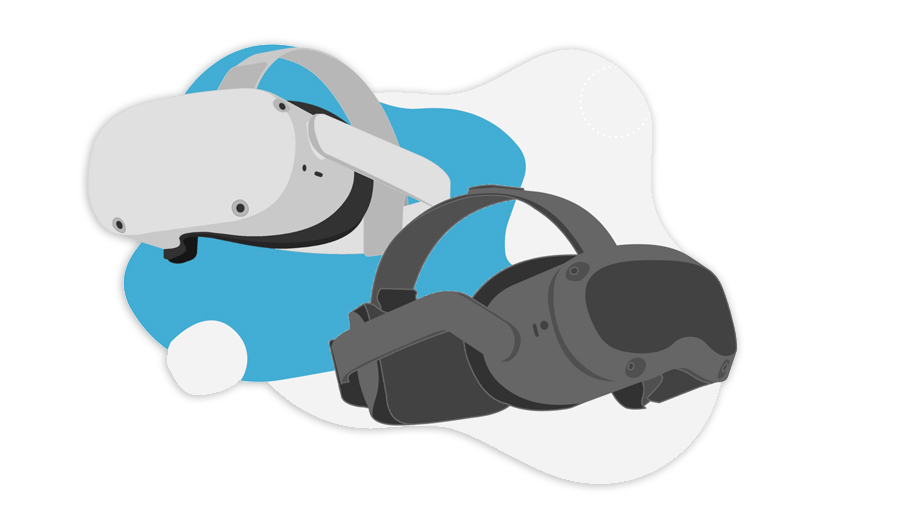
Enter the learning experience through our VR app, available on the below modern VR headsets or a Windows computer. Enter your session online or through our offline mode.